
Timber operations rarely happen behind a desk.
Stock is counted in the yard. Packs are selected from storage. Forklift drivers assemble customer orders. Trucks are loaded for delivery. Timber moves through treatment and production. Yet in many businesses, the information attached to those activities still has to find its way back to the office before it can be entered into the system.
That creates an unnecessary gap between what is physically happening in the operation and what the system says is happening.
Handheld scanning helps close that gap.
TimberSmart’s TSGO applications allow team members to use a certified scanner or compatible mobile device to complete key tasks while they are physically working with the timber.
From stocktake and order picking through to load assembly and production updates, information can be captured where the work is happening rather than recorded on paper and entered again later.
The result is a simpler connection between the yard, production environment and TimberSmart.
Why Handheld Technology Matters in Timber Operations
Timber businesses deal with inventory differently from many other industries.
A single yard may contain large numbers of packs with different species, grades, dimensions, treatment conditions, locations and statuses. That inventory then moves through purchasing, production, storage, sales and dispatch.
Keeping track of those movements becomes difficult when information is recorded in several places.
Paper picking slips, handwritten stocktake counts and information passed between team members all introduce another point where something can be missed, misread or entered incorrectly.
Handheld scanning allows the transaction to happen alongside the physical movement.
When the timber moves, the information can move with it.
That principle sits behind a number of TimberSmart’s TSGO applications.
1. Complete Stocktakes Where the Stock Actually Is
Stocktaking a timber yard can be challenging, particularly when inventory is spread across sheds, yards or locations where reliable internet coverage isn’t available.
TimberSmart’s TSGO Stocktake application has been designed with that reality in mind.
A stocktake is first created within TimberSmart One, where the business can define the stock to be counted using criteria such as:
- location
- product group
- dryness
- pack characteristics.
The stocktake can then be downloaded to the handheld device.
From there, the person conducting the count can move through the relevant stock and scan each pack barcode directly into the stocktake.
Importantly, internet access is not required while packs are being counted.
That means stock can be scanned in areas of the yard or warehouse where connectivity may be limited.
Once the stocktake session is complete, the scanner can be taken back to an area where an internet connection is available and the results exported into TimberSmart One.
Reducing duplicate counts
The application also helps prevent a common stocktake problem.
If a pack has already been scanned during the session, the system rejects it if someone attempts to scan it again.
Scanned packs can also be reviewed before the stocktake is exported.
For timber operations managing stock across large physical areas, this gives staff a straightforward way to complete the count at the point where the inventory is stored.
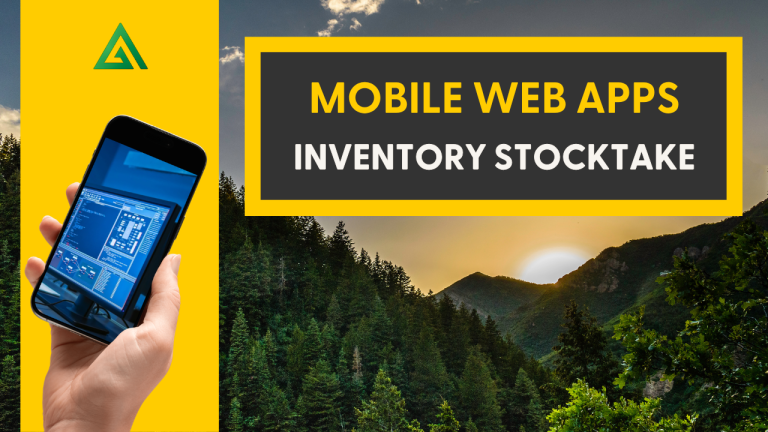
Watch TSGO Stocktake in action
2. Put Order Picking in the Hands of the Person Doing the Picking
Creating an accurate customer order is only one part of the process.
The correct packs still need to be located, reserved and prepared for dispatch.
TimberSmart’s TSGO Order Picking application puts that process directly into the hands of the forklift driver or yard team member responsible for selecting the timber.
Once a sales order has been created in TimberSmart One, the team can generate a picking slip.
The yard person then takes the picking slip and handheld scanner into the yard or warehouse.
After opening Order Picking from the TSGO Apps menu, they can scan the barcode on the picking slip or manually enter the order number.
The application displays the order lines and the available packs suitable for each item.
Helping staff choose appropriate stock
Available packs are displayed with the oldest stock listed first.
The operator can then scan pack barcodes as the timber is physically selected.
If a pack is unavailable or does not suit the order item, the device rejects the scan.
Once enough packs have been reserved to meet the required quantity, the order line is clearly identified as complete.
Rather than one person identifying stock, another recording it and someone else entering the reservation later, the person handling the timber can complete the reservation as part of the picking process.
This creates a much clearer chain of responsibility.
Fewer handovers mean fewer opportunities for error
Traditional picking processes can involve several separate stages:
- paperwork being generated
- stock being physically selected
- pack numbers being written down
- paperwork returning to the office
- information being entered into the system.
Every handover creates another potential point of error.
By scanning packs directly against the order, TimberSmart reduces the need for transcription, paper movement and repeated data entry.
Once picking is finished, the reserved packs can be reviewed in TimberSmart One before the sales order proceeds through invoicing and dispatch.
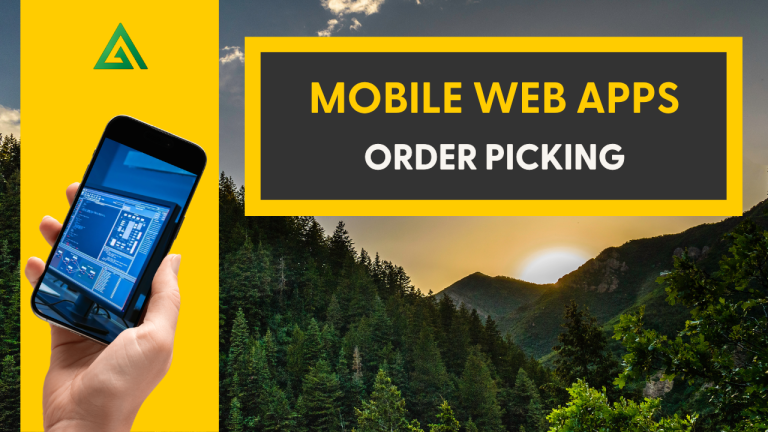
Watch TSGO Order Picking in action
3. Build Loads Around the Actual Delivery Run
Order picking answers the question:
Which packs belong to this customer order?
Load picking takes the process one step further:
Which packs need to be on this truck, and in what sequence?
TimberSmart’s TSGO Load Picking application helps yard staff assemble packs for dispatch against a planned truck load.
A load plan is created in TimberSmart One and can contain one or more customer orders scheduled for a particular truck and route.
The delivery sequence can be prioritised according to the addresses on the run.
The operator then opens Load Picking on the handheld and scans the load picking slip.
The device can display information including:
- the load
- customers included on the run
- number of packs required
- truck carrying capacity
- estimated load weight
- individual order items
- packs available for picking.
That gives the person assembling the load important information without needing to repeatedly return to the office.
Scan the pack before it reaches the truck
When an operator selects an item from the load, they can scan the barcode of the pack being picked.
If the pack is unsuitable, it is rejected.
The operator continues scanning until the required quantity for that load item has been fulfilled.
Completed items are clearly identified on the device.
This provides another verification step before the product leaves the site.
Customer labels can also be produced through TimberSmart One to identify which customer each pack is destined for, while a load run sheet can show the driver the planned delivery sequence.
The aim is straightforward: help ensure the product placed on the truck matches the product the customer ordered.
Watch TSGO Load Picking in action

4. Update Pack Information Directly From the Shed or Yard
Handheld scanning isn’t limited to inventory and dispatch.
It can also connect production activity directly with TimberSmart.
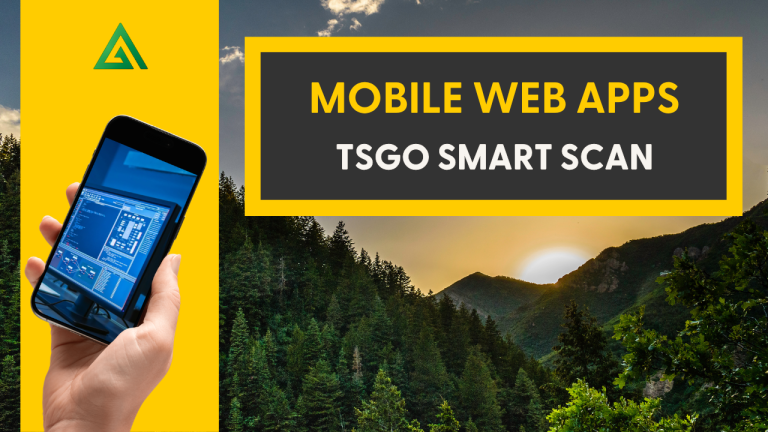
The TSGO Smart Scan application gives users several ways to change a pack’s status or check information simply by scanning its label.
One example is timber treatment.
A treatment charge can be created and selected within the system. The operator then chooses the appropriate treatment type and level before scanning the packs associated with that treatment.
Valid packs are accepted and their condition is updated.
In the demonstration workflow, a pack moves from untreated work in progress to treated finished goods once the relevant processing information has been recorded.
Invalid pack numbers are rejected.
Instead of completing the physical process and updating the records later, the change can be captured while the work is taking place.
Quickly check a pack without returning to the office
Smart Scan also includes Quick Query.
A user working in the yard or shed can scan a pack barcode and immediately access useful information about it.
Depending on the pack, this can include:
- product description
- number of pieces
- last process
- current location
- status
- bin location.
Quick Query can also be used with tagged logs.
For employees working across a large operation, the ability to access pack information at the point of work can remove unnecessary trips back to an office or workstation simply to check a record.
Watch TSGO Smart Scan in action
One Device, Multiple Points Across the Operation
The value of handheld scanning isn’t simply that a barcode can be read electronically.
It is what happens after the barcode is scanned.
Across the TimberSmart workflows above, the handheld becomes the connection between the physical timber and the information held within the system.
A pack can be counted during stocktake.
It can be selected and reserved against a customer order.
It can be verified while a truck load is being assembled.
Its production or treatment status can be updated.
Its details can be checked while someone is standing beside it.
The activity happens where the timber is located rather than relying on information travelling back to the office later.
Better Information Starts at the Point of Activity
The accuracy of any business system ultimately depends on the information being entered into it.
If the physical activity happens first and the system is updated hours later, there is inevitably a gap between the two.
That gap can create questions such as:
Is that pack still available?
Has it already been allocated?
Has it been treated?
Where was it last moved?
Is this the correct timber for the order?
Has this pack already been counted?
Handheld applications allow many of those decisions and updates to happen at the point where the activity occurs.
For timber businesses trying to improve inventory visibility and reduce reliance on paper processes, that can make a meaningful difference.
Moving the Office Into the Yard
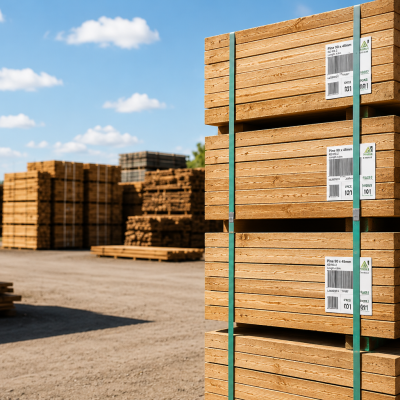
Handheld technology forms part of a broader shift taking place across timber operations.
Software no longer has to be confined to a desktop computer in an administration office.
Inventory, sales, logistics and production information can increasingly be accessed and updated by the people physically carrying out the work.
We explored that wider shift in our article Why Modern Timber Operations Are Moving the Office into the Yard.
If your business is still relying heavily on paper to move information between the yard and the office, that article is a useful place to start.
You may also be interested in The Hidden Cost of Inventory Uncertainty in Timber Operations, which looks more closely at what happens when inventory records and physical stock don’t tell the same story.
See TimberSmart Handheld Applications in Action
The easiest way to understand these workflows is to see them being used.
Visit the TimberSmart Demo Library to explore demonstrations covering inventory, sales, production, logistics and other TimberSmart functionality.
Or contact TimberSmart to discuss how handheld applications could fit into your operation.


